✨ Glow Up
Face Tattoo AI Prank — fake face tattoos that look real
“Mom is going to faint”
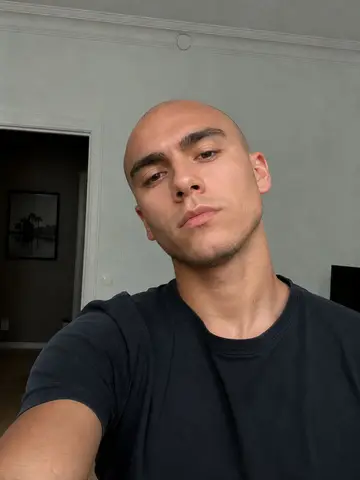
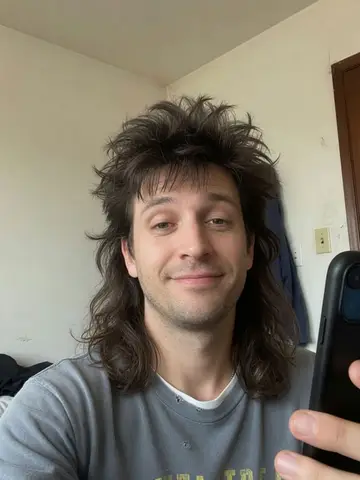
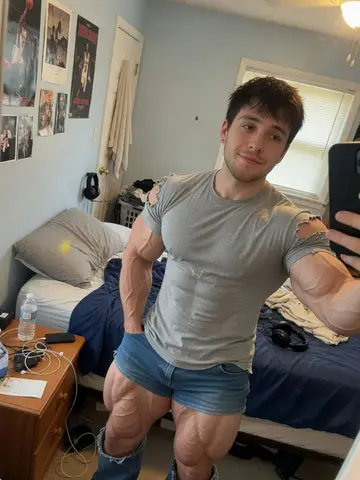
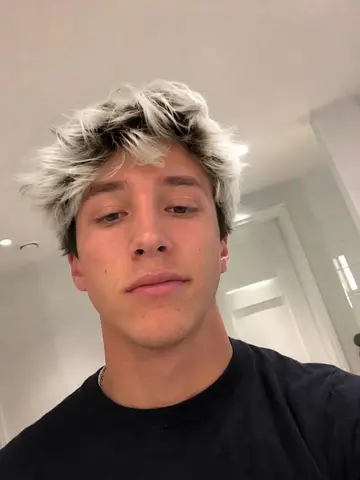
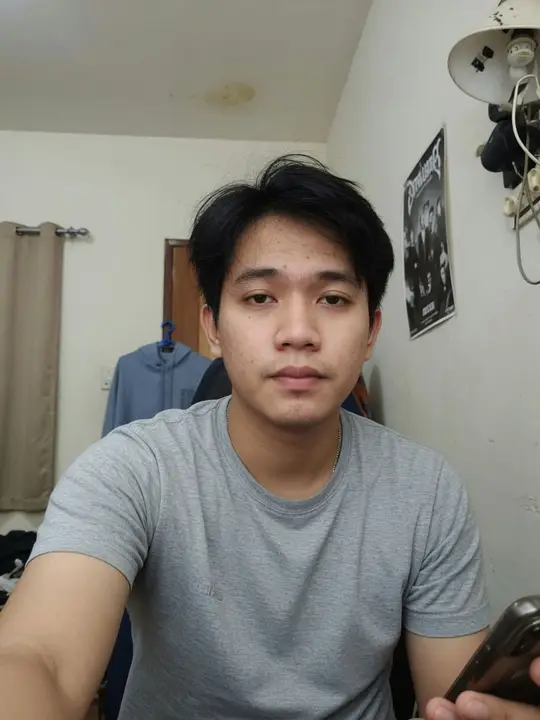 Before
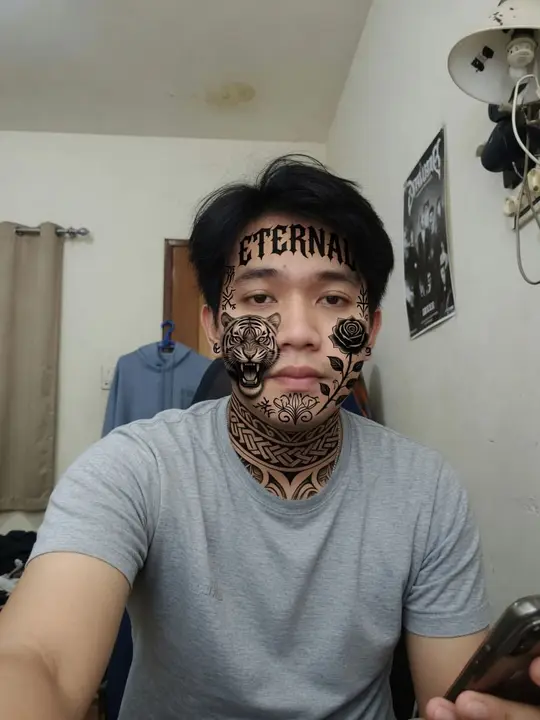 After (AI)
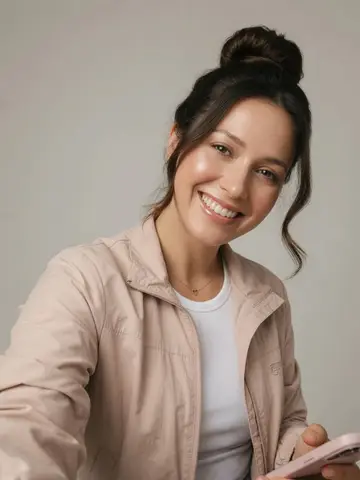
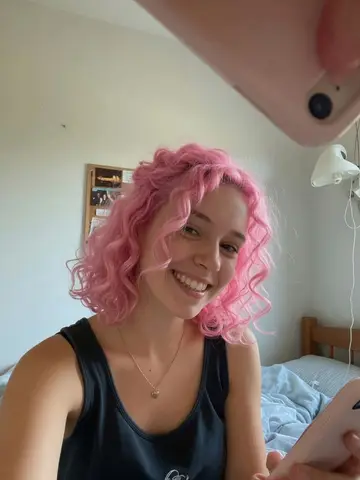
Cover your face and neck in bold, realistic tattoos. The face tattoo prank is a TikTok classic because the reaction, usually from a parent, is instant.
Opens in your browser · No download · Pro from $0.76/week
What the AI changes
Bold, realistic tattoos cover the person’s face and neck while they stay fully recognizable. Your face and identity are kept the same; only the scene, look or outfit changes.
How to pull it off
- Send it to your mom with “don’t be mad”.
- Post it with “new look, thoughts?” and pin the before photo in the comments.
- Reveal within minutes: this one can genuinely worry people.
Photo tips
- Use a recent selfie that people know: the change should be the only surprise.
- Front-facing, evenly lit photos give the most realistic hair and skin edits.
- Reveal quickly with worried relatives: face tattoos in particular get serious reactions.
How it works
- 1Choose a photo
Upload a selfie or any photo you have permission to use. A clear, well-lit face works best.
- 2Pick this prank
The AI edits the photo in seconds while keeping the face recognizable.
- 3Share the reaction
Send it, watch the reaction, then show the before/after.
Prank responsibly
- Only use photos of yourself or of people who are OK with it.
- Keep it fun: reveal the joke, and never use an edit to deceive, bully, scare or embarrass someone.
- Never present an edit as real evidence, and never share it where it could cause real harm.
Price
Browsing every prank is free. Creating edits needs TrickerAI Pro: $6.99 a week (new subscribers pay $3.49 for their first week, then $6.99 a week), or $39.99 a year (about $0.76 a week). Cancel anytime in Settings. Prices in US dollars; Swedish visitors pay in SEK.
Questions
- Is the Face Tattoo photo real?
- No. Every result is an AI-generated edit of your photo, and so are the examples on this page.
- Can I use a friend’s photo?
- Only if they are OK with it. Photos of other people need their permission, and pranks should never embarrass or harm anyone.
- What happens to my photo?
- It is sent to our AI provider to create the edit and kept in private storage you can delete anytime. See the Privacy Policy for details.